
Moving from WP Job Manager
Bring your job board across without starting over
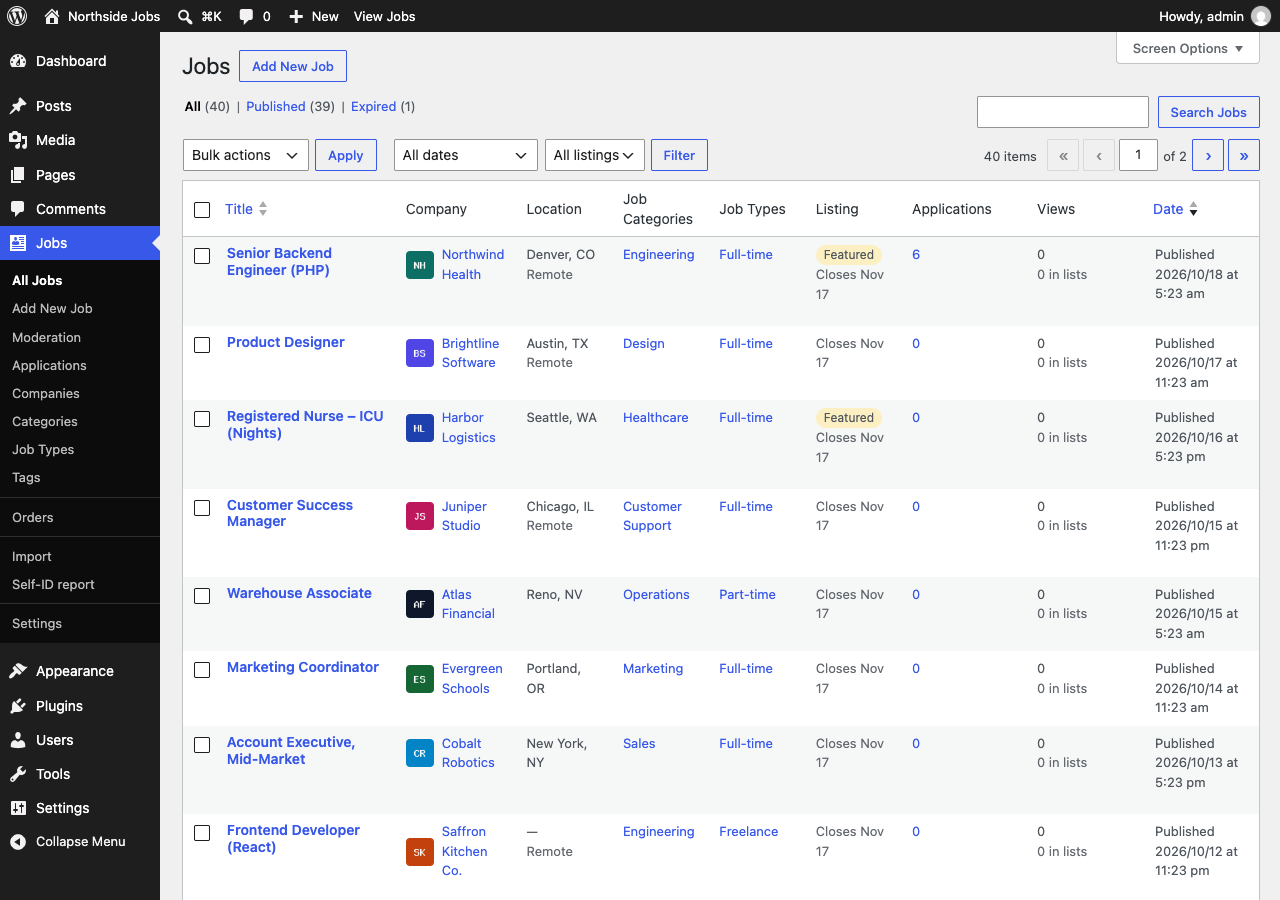
The free Boardwise plugin includes a WP Job Manager importer. Run a dry run to see what will come across, import, then switch WP Job Manager off. Your employers keep their accounts and your old job links keep working.
What comes across
- Jobs, with their location, remote flag and how to apply (email or link)
- Categories, job types and tags
- Salaries, including the currency and period (WP Job Manager 1.38 or later)
- Company names, websites, taglines and logos
- Expiry dates, and the featured and filled flags
- Published and expired jobs keep their status; anything else comes in as a draft
The employers who posted the jobs get Boardwise's employer role alongside their existing one, so they log in as before and manage their jobs from the Boardwise dashboard. Old job links (/job/…/) redirect to the new pages, so search engines and bookmarks still find them.
How to move
- Back up your site. Always a good idea before a big change.
- Install Boardwise and activate it. WP Job Manager can stay active for now: the importer reads its listings straight from the database, so it works whether WP Job Manager is on or off.
- Go to Jobs → Import → WP Job Manager and run a dry run. It counts what will be imported and changes nothing.
- Run the import. It runs in the background, so large boards are fine. You can run it again later: it updates the jobs it imported instead of making duplicates, and skips the ones that haven't changed.
- Click Create pages in the Boardwise setup notice to add the job alerts, employer and Post a Job pages, and check your jobs at
/jobs/. - Deactivate WP Job Manager. Replace its shortcodes on your own pages with Boardwise's blocks, or with shortcodes such as
[boardwise_job_search].
What you get that WP Job Manager sells separately
Applications
Candidates apply on your site with a resume, and employers work through applications with statuses and notes, in the free plugin.
Job alerts
Any search or category can become a daily or weekly email alert, with double opt-in and one-click unsubscribe. Free in Boardwise.
Search with filters
Filters with counts, a minimum salary and radius search, on top of keyword, location, category and type.
Views on the dashboard
Employers see views, list impressions and applications for every job, counted without cookies or personal data.
Expired jobs keep their page
An expired job keeps its content with a notice and a link to open jobs, which is kinder to visitors and to search engines than a bare "This listing has expired".
Dark themes and phones
Search boxes, job cards and featured jobs stay readable on dark theme styles and on phones.
Try the import on a copy of your site
The dry run changes nothing, so you can see exactly what Boardwise will do before you commit.